Thanks for the clear report, Trent - definitely a real bug there! Building the outbound timetable before any shape existed left those trips with no shape assigned; once you drew the inbound shape and added its stops, the timetable started filtering by shape and the un-shaped trips dropped out of view. I believe I have this fixed such that the timetable will always keep a slot for un-shaped trips so they can't go invisible again. I've also added a one-click 'remove ghost trips' fix in the Validation panel. This should clear the ones already on your route. Let me know if you have other issues!
Ghost trips cannot be deleted
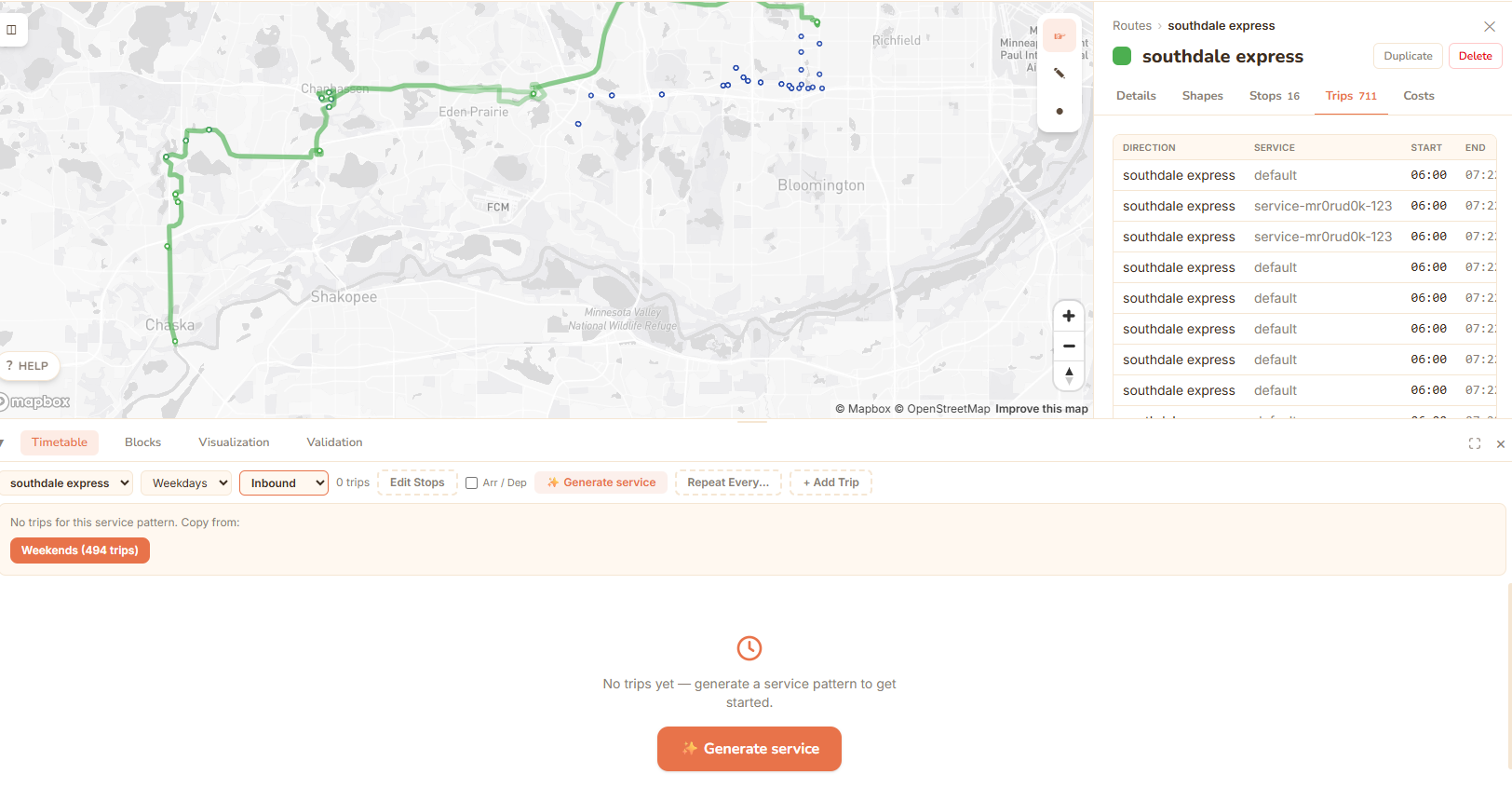
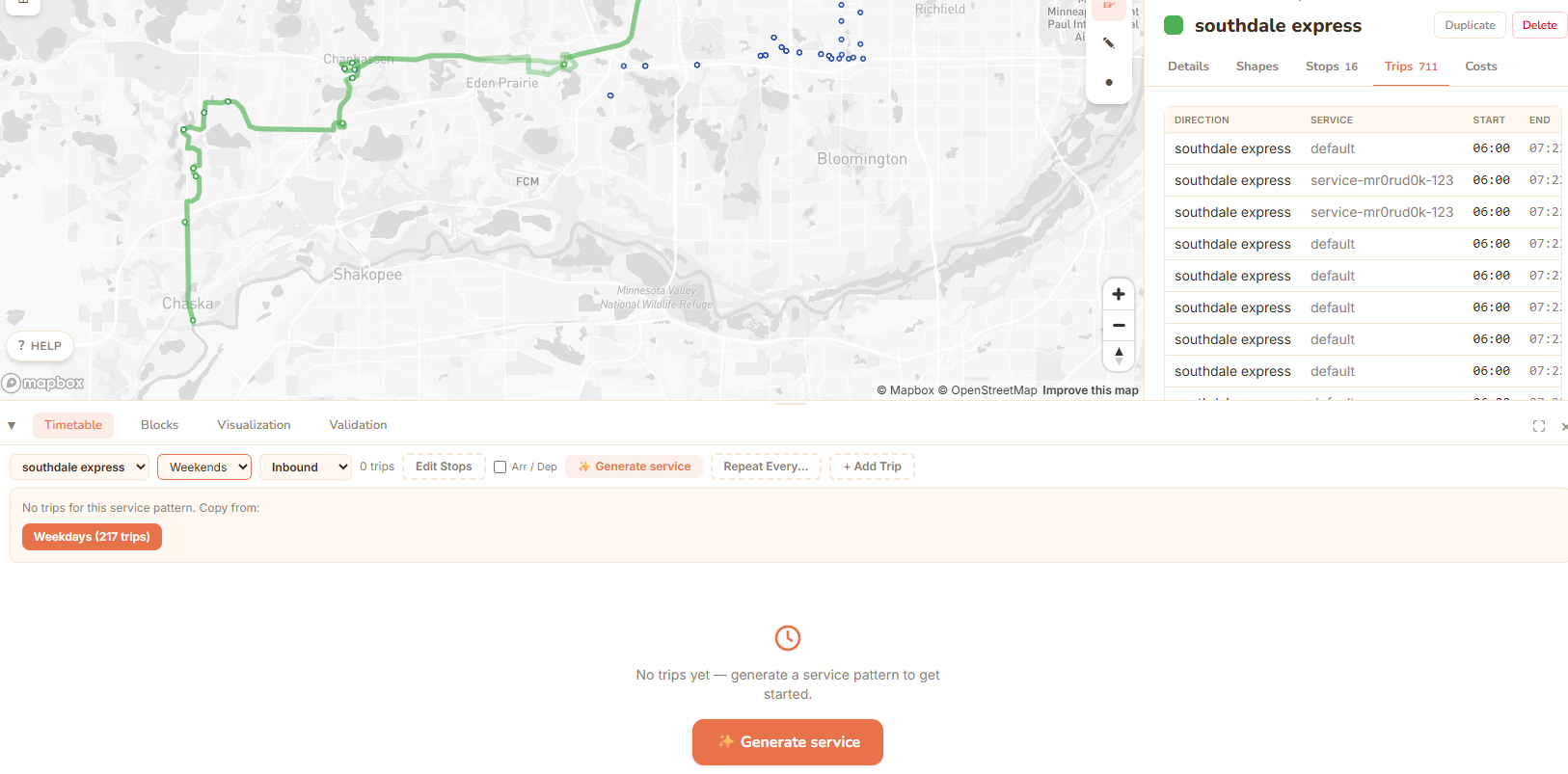
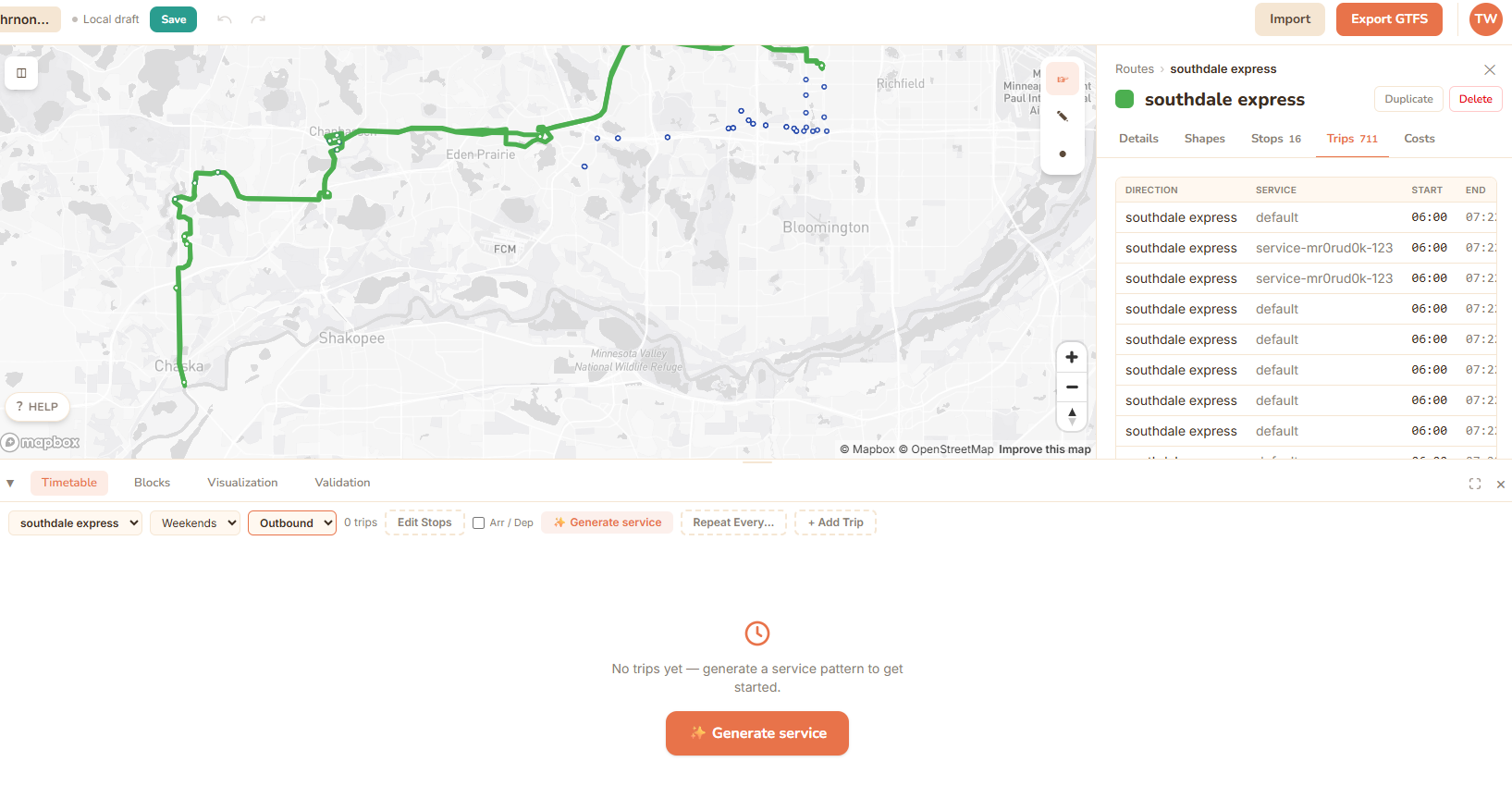
One of my routes has hundreds of trips which I did not make and cannot clear because they do not show up in the timetable editor. This issue arose after I made a timetable for the outbound direction and then drew a shape and added stops to the inbound direction.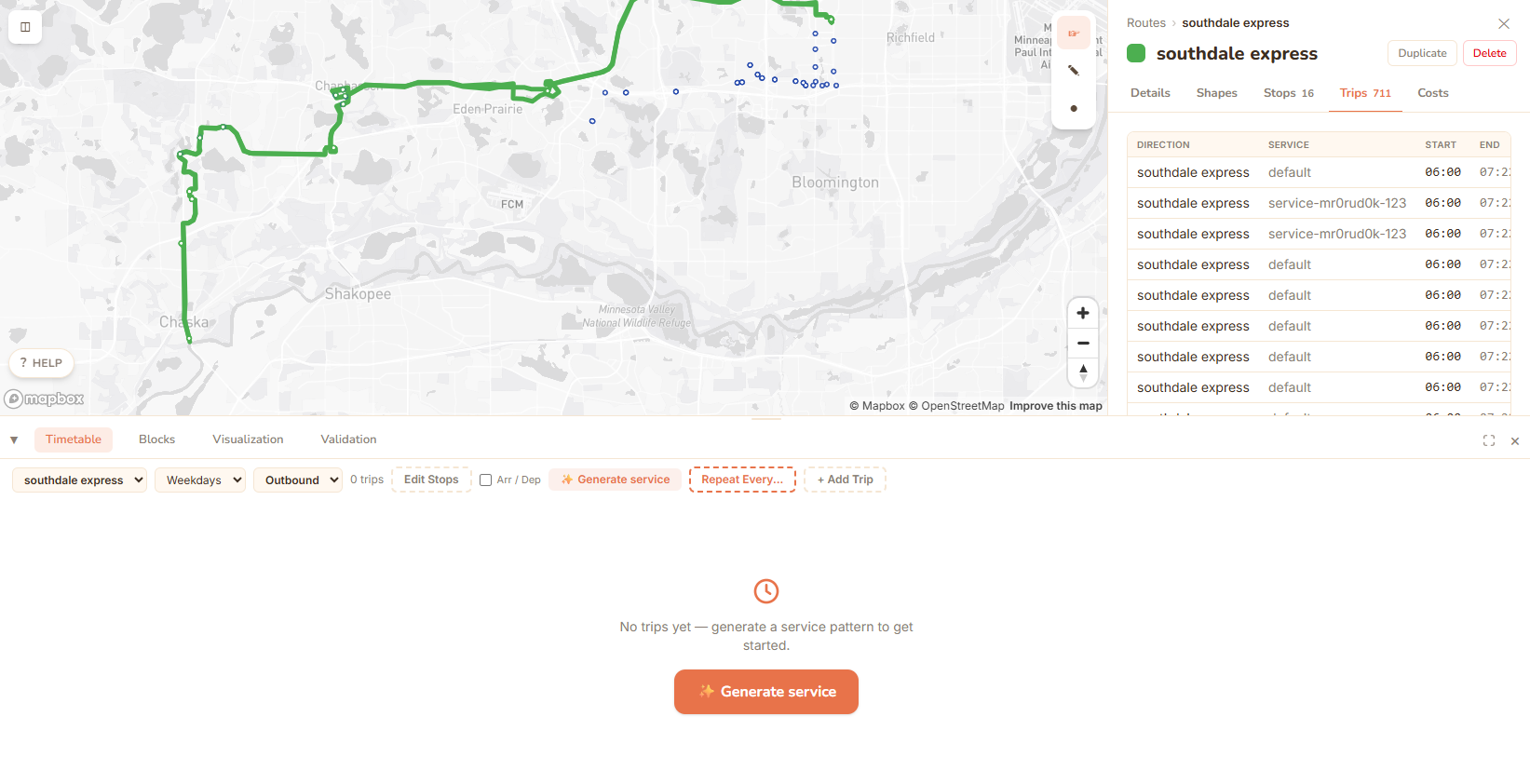
Replies
hey mark i was doing new route can how i explain new route coolors while i record my youtube viedos
for new route changes with buses being clovis comunity college transit
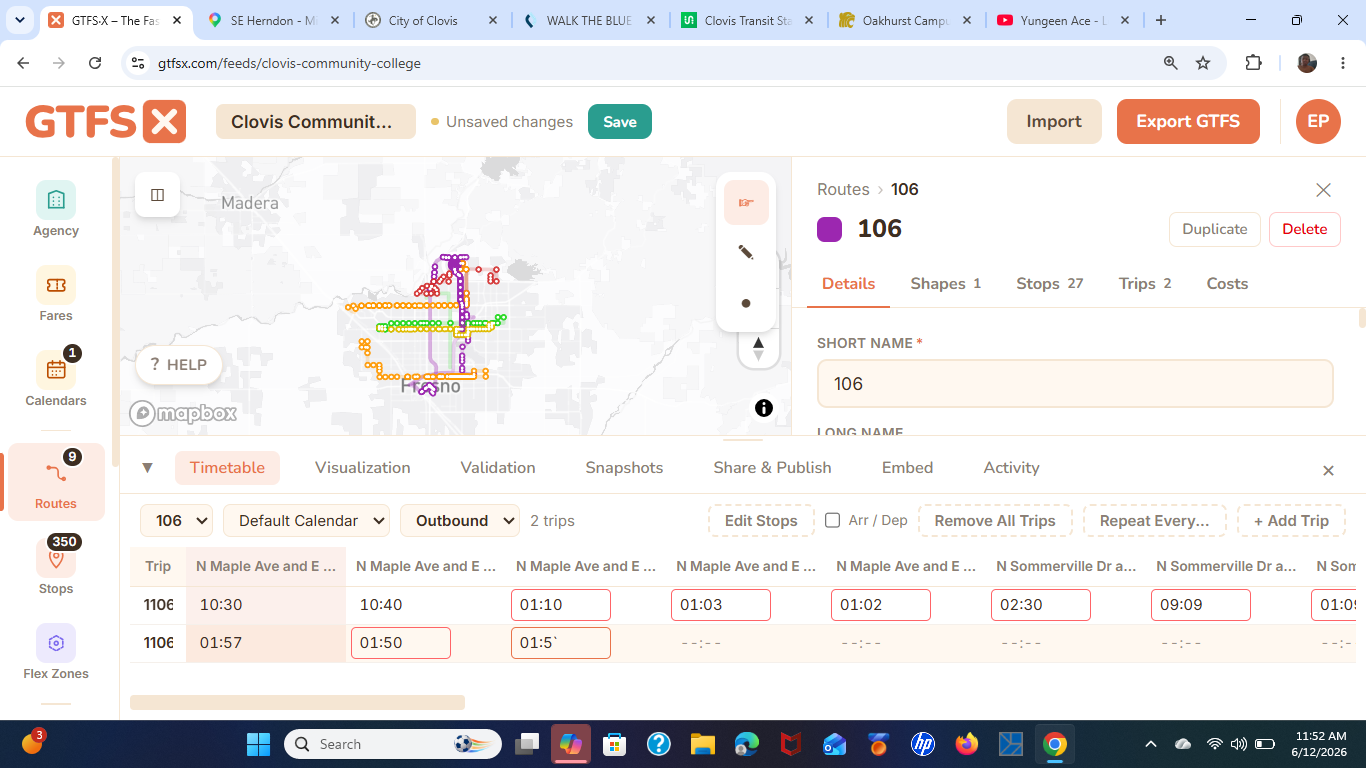
Hey, Ephraim. It might be best to put your question on a different post so the OP doesn't get a bunch of notifications, but if I understand your question correctly, the short answer is you can set the colors to whatever colors you like. I'm not aware of any sort of industry standards for route colors.