
Authoring GTFS-Flex with GTFS·X
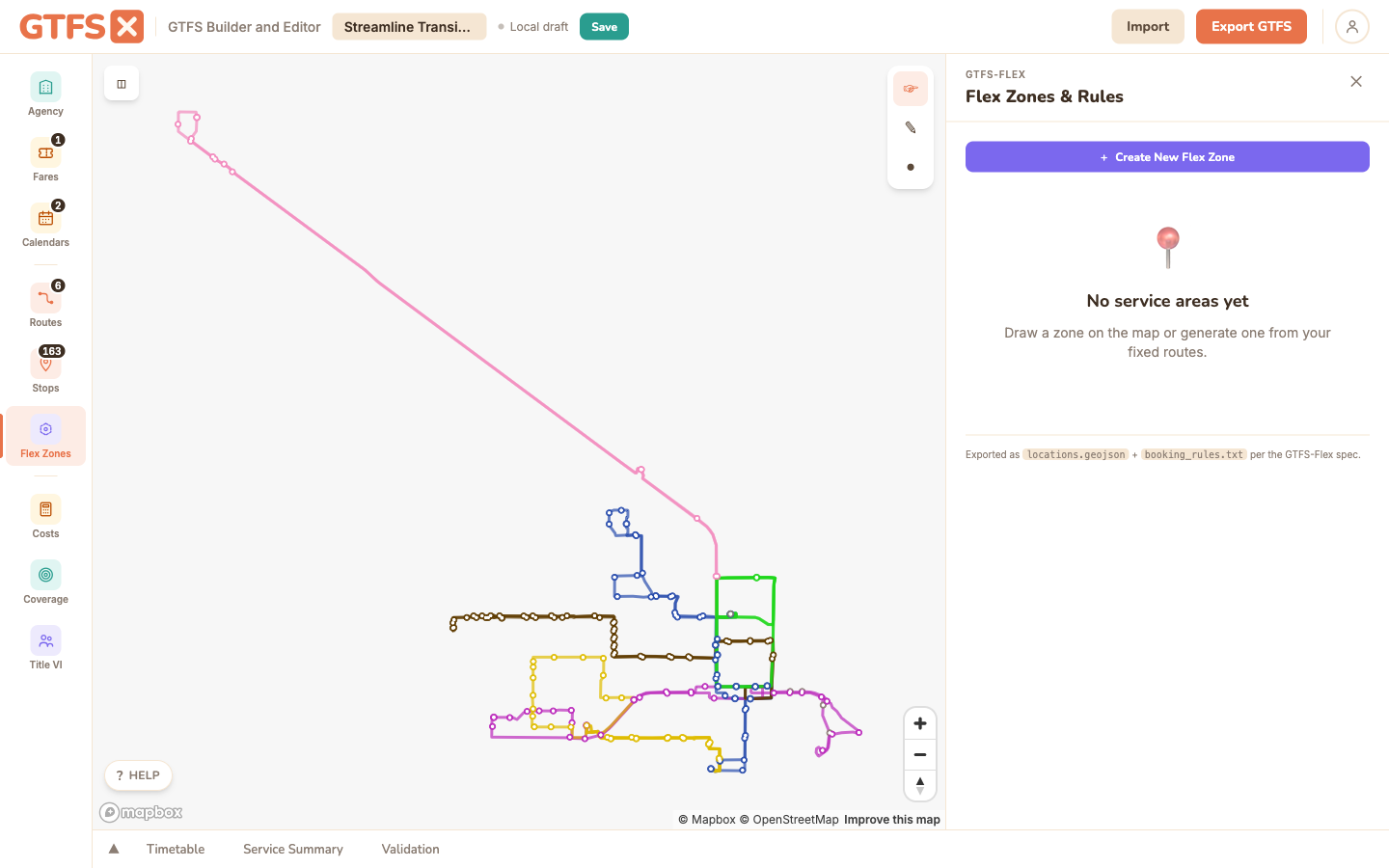
GTFS-Flex is an optional extension to the baseline GTFS specification that makes demand-responsive service — dial-a-ride, microtransit, deviated fixed-route — discoverable in trip planners. If you're new to the extension, start with the What is GTFS-Flex? primer. This page is the authoring guide: the Flex Zones panel lets you draw polygon zones, configure booking rules in a form, and validate before export.
When to use it
Flex applies any time service isn't a fixed route running on a fixed schedule:
- Microtransit / on-demand zones. A defined service area where riders book a ride and get picked up at their location (or a generated meet point).
- Dial-a-ride / paratransit. Same shape but oriented to ADA-eligible riders. The booking rule fields cover the prior-notice and contact requirements.
- Deviated fixed-route. A bus that runs a published route but will detour up to a quarter mile on request. Modeled as a hybrid: fixed-route stops plus a flex zone for the deviation area.
- Demand-responsive connectors from a fixed line to a low-density area.
Three ways to create a zone
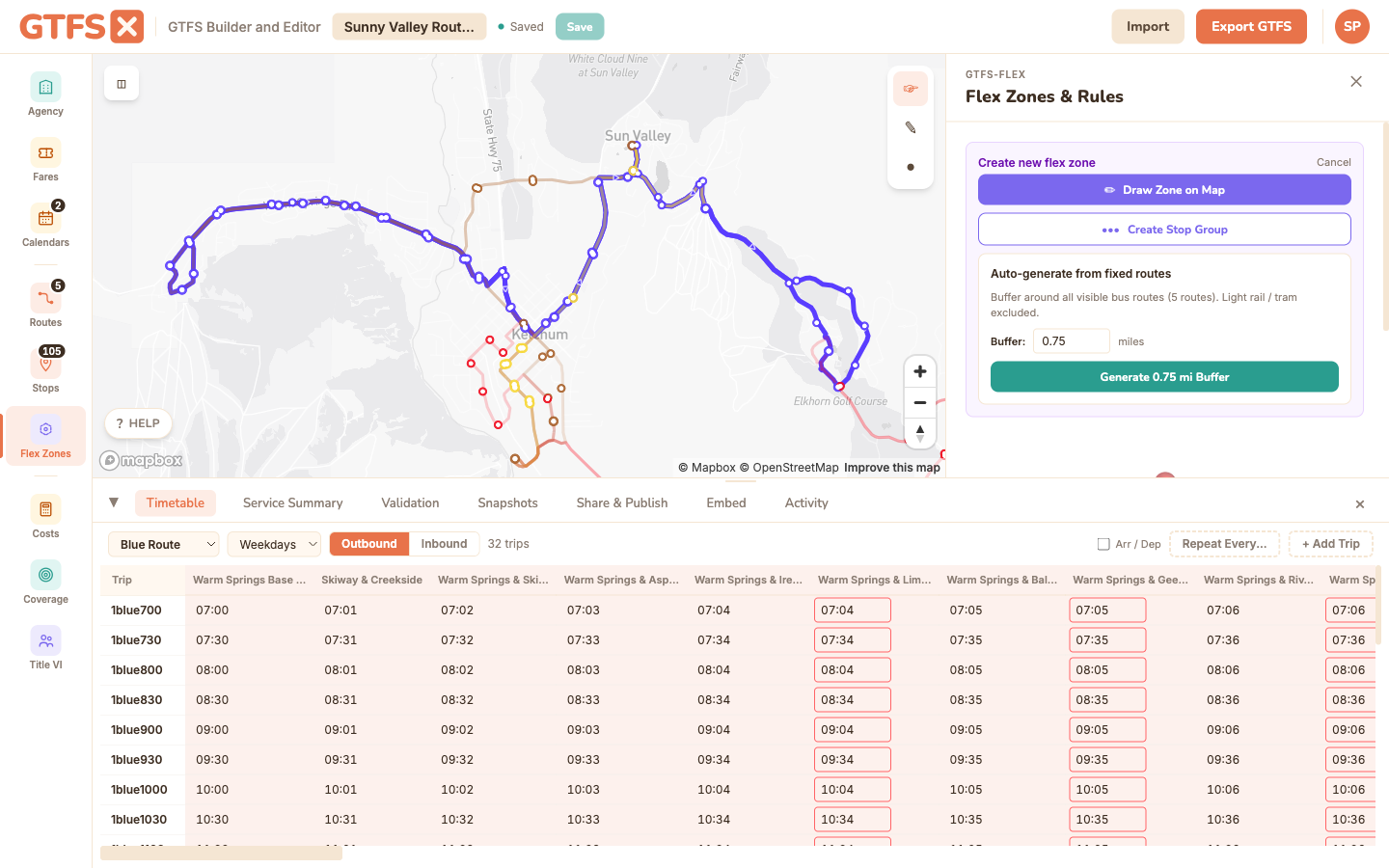
Click + Create New Flex Zone, then pick:
- Draw Zone on Map — click to place polygon vertices, double-click to close. Exports as
locations.geojson. Multi-polygon zones (two disjoint service areas under the same booking) are supported — draw additional polygons within the same zone. - Create Stop Group — a named group of existing stops, used when the "zone" is really a list of allowed pickup/drop-off points rather than a free area. Exports as
location_groups.txt+location_group_stops.txt. - Auto-generate from fixed routes — buffer a set of existing fixed routes by a configurable distance to produce a polygon zone. Useful for deviated fixed-route service where the deviation area is "X miles either side of the route."
Configuring a zone
Select a zone to open Service Details. The configuration fields:
- Service pattern — pick from your calendars. Calendar_dates-only services are fine (a zone that only runs on event days).
- Pickup window — start and end times in HH:MM:SS. Required for export; a zone without a window is skipped on export with a warning. Defines the hours within which a rider can book a pickup.
- Drop-off window — same shape; optional. If unset, equals the pickup window.
- Additional service windows — multiple windows per zone (morning + evening shifts). Modeled as multiple trips on the same zone.
- Booking rule — links to a record in
booking_rules.txt: prior-notice duration (must book at least N minutes in advance), latest booking time (cutoff for next-day requests), booking type (real-time, same-day, prior-day), phone / URL / message text. - Fare — link to a fare defined in the Fares panel. Zones without a fare assignment will inherit any system-wide flat fare.
- Travel-time estimation — mean and "safe" duration factors that trip planners use to estimate door-to-door time. Mean is the typical case; "safe" pads for traffic so planners don't suggest impossibly tight connections.
- Continuous pickup / drop-off — applicable for deviated fixed-route hybrids; signals that riders can flag the bus down anywhere within the zone, not just at defined stops.
Map popups and editing
Click a zone on the map to get a popup with quick links to Edit Route (every flex zone has an automatically-paired route that appears in trip planners) and Edit Service Details. Zone fill color tracks the linked route's color, so styling a zone consistently is a matter of styling its route.
What gets exported
Flex export produces multiple files depending on the zone types:
locations.geojson— polygon zones (one Feature per zone).booking_rules.txt— every booking rule referenced by any zone.location_groups.txt+location_group_stops.txt— for stop-group zones.- Extended
stop_times.txtcolumns —location_id,start_pickup_drop_off_window,end_pickup_drop_off_window,pickup_booking_rule_id,drop_off_booking_rule_id.
Zones missing a pickup window are flagged in the Export dialog and skipped from the output. Fix the warning before publishing — a flex zone without a window won't function in trip planners.
Edge cases and gotchas
- Booking rule sharing is the right default. If five zones all use the same phone-based booking with the same prior-notice rules, define one booking_rule and link all five zones to it. The editor lets you reuse rules across zones.
- Polygon zones should not extend beyond your actual service area. A zone that reaches into a neighboring agency's territory will get suggested by trip planners as if you served it.
- Don't combine deviated-fixed-route flex with regular fixed-route shapes carelessly. If the same trip is both fixed-route and deviation-eligible, the trip needs to reference the flex zone in its stop_times, not be a separate trip.
- Some consumers don't render flex yet. Google Maps does; Apple Maps does partially; OpenTripPlanner does; many regional trip planners don't. The flex data you publish is correct, but you may need to communicate availability through other channels too.
- Travel-time estimation matters more than it sounds. A bad estimate produces missed connections downstream. Pad the "safe" factor on shared-ride services that have a lot of zigzag.
See also
- What is GTFS-Flex? — full primer on the spec extension: why publish, who needs it, tooling, and further reading.
- Routes & shapes — every flex zone has a paired route.
- Fares — zone-fare assignment.
- Validation — surfaces flex-specific errors.