
Transfers
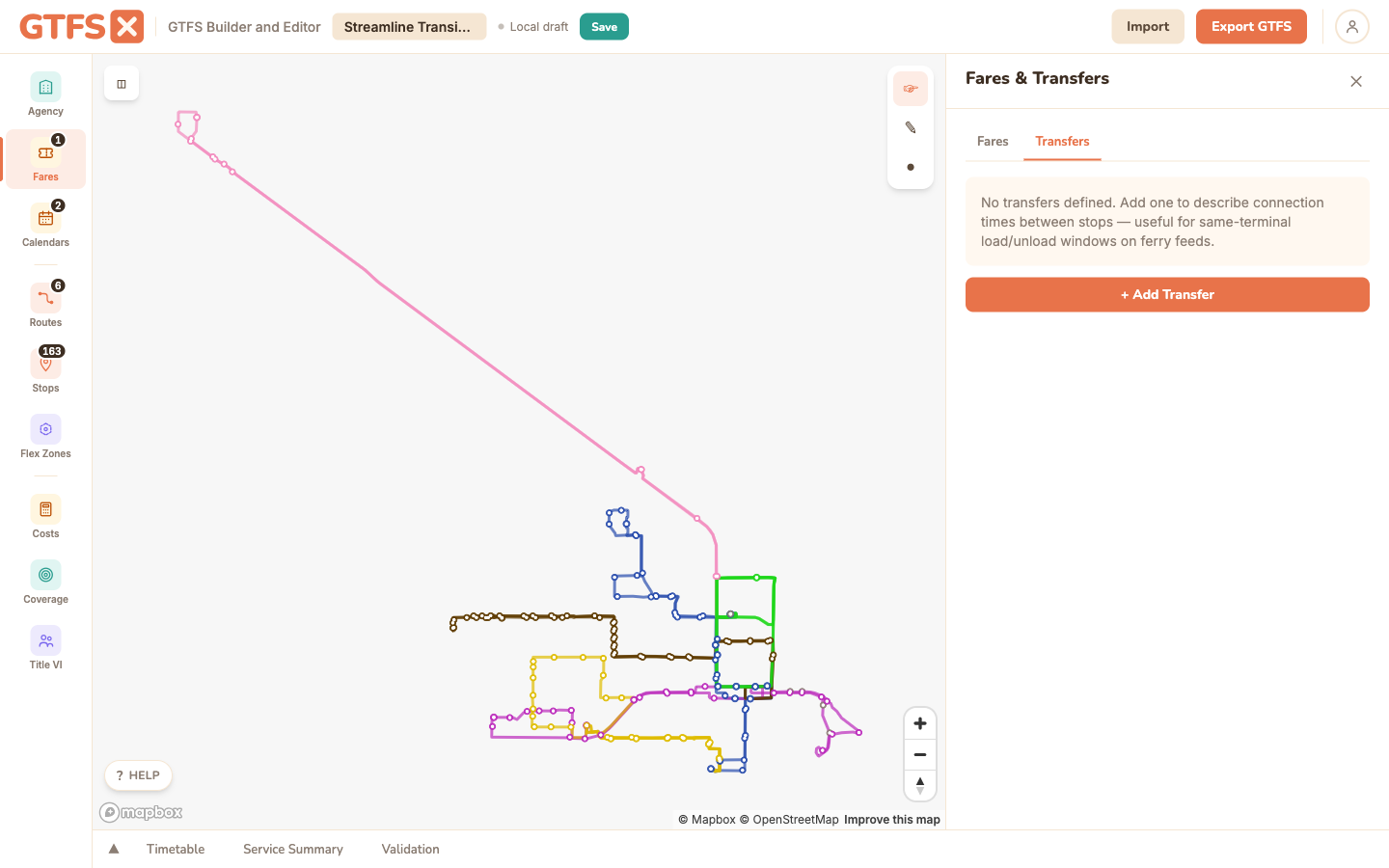
transfers.txt tells trip planners how to chain trips together at a connection: whether the connection is recommended, whether the next vehicle holds for the arriving one, how much time is needed to make it. Edit it from the Transfers tab inside the Fares panel. Most agencies don't need any transfer rules at all; the few who do are usually modeling a specific connection that defaults to "no transfer possible" without one.
When you actually need this
By default, trip planners infer transfers from geography — if two stops are within walking distance, they assume riders can transfer between them with the default walking time. The default is usually right. You only need an entry in transfers.txt when the default is wrong or insufficient:
- Cross-platform rail transfer at a busy station where the spec's default walk-time is too generous. Adding a "minimum_time = 90 seconds" entry tells the planner to use that instead of the default.
- Timed bus-to-bus connection at a transit hub where the connecting vehicle holds for the inbound one. Without a "timed transfer" entry the planner can't guarantee the connection.
- Connection that's possible but discouraged (across a parking lot, requires crossing a freeway exit ramp). A "minimum_time = 5 minutes" entry makes the planner prefer alternatives.
- Connection that looks possible but isn't (the inbound platform doesn't connect to the outbound platform without leaving fare-paid area). A "not possible" entry tells the planner not to suggest it.
- Same-stop ferry connection where the vessel turns around with a documented load/unload buffer (BC Ferries' 45-minute pattern at terminal stops, for example). Modeled as a same-stop transfer with
min_transfer_time.
The four transfer types
- 0 — Recommended. The planner can suggest this transfer normally. Default if you don't say otherwise; mostly redundant with omitting the entry.
- 1 — Timed (vehicle waits). The receiving vehicle holds at the stop for the arriving one. Use only when there's an actual operational agreement to hold; sketching this in without dispatcher coordination just means missed connections.
- 2 — Minimum time required. Riders need
min_transfer_timeseconds to walk between the two stops. Required field when type=2. - 3 — Not possible. The transfer can't be made. Suppresses the suggestion entirely.
Authoring in the editor
Open the Fares panel and click the Transfers tab. Add a row: pick the from-stop and to-stop from dropdowns, choose the type, set min_transfer_time if the type is 2. Same-stop transfers (from_stop_id == to_stop_id) are allowed and meaningful — they describe the buffer between successive arrivals/departures at one stop.
Routing transfers vs. fare transfers
This file is about routing — does the connection exist, is the planner allowed to suggest it. It is not about pricing. The free-transfer-within-90-minutes pattern that smart-card systems implement is a fare transfer, not a routing transfer, and lives in GTFS-Fares v2's fare_transfer_rules.txt (round-tripped on import/export today; editor UI on the roadmap — see Fares).
Edge cases and gotchas
- Less is more. Adding thousands of speculative transfers doesn't help trip planners; in fact it slows them down. Only add rules where the default behavior produces a wrong answer.
- Timed transfers need real operational support. If dispatch isn't actually holding the connecting vehicle, marking it as type 1 just produces missed-connection complaints.
- Stop pairs, not route pairs. The file describes transfers between stops, not between routes. A "Route 5 to Route 12" rule needs an entry per stop pair where they meet.
- Symmetry isn't automatic. A rule for A→B doesn't imply B→A. Add both rows if the situation is symmetric (it usually is).
See also
- Fares — Transfers tab lives inside the Fares panel.
- Stops — both ends of a transfer reference stop_ids from here.
- Timetables & trips — for timed transfers, the holding vehicle is a trip that needs slack in the schedule.